The compatibility review gave us a much clearer picture of which extensions were likely to block the planned Magento version change.
Magento Version Compatibility Service
Assess compatibility across a planned Magento version change, including extensions, custom modules, theme, PHP, database, search, Composer, libraries, and environment dependencies.
MAGEHEX DELIVERY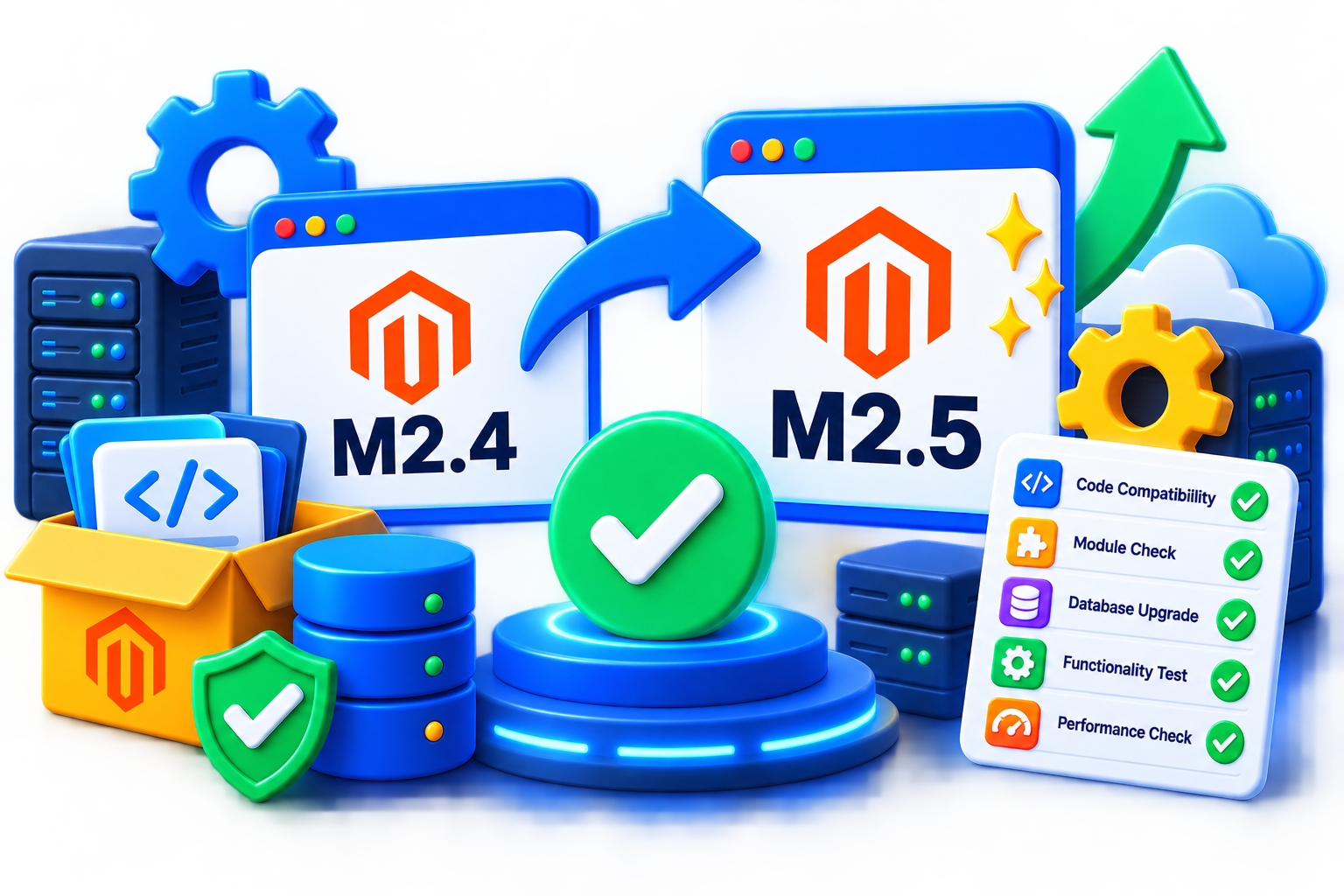
Service typeMagento version compatibility
ProcessInventory, compare, assess & report
Best forStores planning version-dependent Magento changes
Service overview
Understand Compatibility Before Changing Your Magento Version
Service scope
MageHex reviews the compatibility of the store's relevant components and platform dependencies against a current or target Magento version before upgrade, deployment, or major extension changes.
The service is an assessment and planning step. It does not automatically perform the Magento upgrade or rewrite every incompatible component.
What We Review
Magento Versions
Review the current and target Magento releases and the platform requirements that change between them.
Extensions & Modules
Assess available compatibility information for installed third-party extensions and custom modules.
Theme & Frontend
Consider theme implementation and frontend dependencies that may be sensitive to the target version.
Platform Dependencies
Review PHP, database, search, Composer, library, and environment requirements relevant to the target Magento version.
Compatibility Review Process
01 - Inventory
Identify Magento version, extensions, custom code, theme, integrations, and key platform dependencies.
02 - Compare
Compare current requirements and available compatibility information with the target Magento release.
03 - Assess
Identify likely blockers, unsupported components, dependency changes, and areas that require testing.
04 - Prioritize
Separate required compatibility work from optional modernization and unrelated technical debt.
05 - Validate
Perform agreed checks or controlled testing where the environment and component availability allow it.
06 - Report
Document findings, risks, and recommended next steps for the planned version change.
Compatibility Areas
- Magento core version
- PHP requirements
- Database requirements
- Search engine requirements
- Magento extensions
- Custom modules
- Theme compatibility
- Composer and library dependencies
Customer Prerequisites
- Current Magento version and intended target version.
- Extension and custom-module inventory.
- Theme information.
- Composer and environment details where available.
- Relevant third-party integration information.
- Access to a staging or test environment when controlled validation is required.
Project Considerations
Compatibility findings depend on available vendor information, source code, package requirements, and test conditions.
No assessment can guarantee that every runtime issue will be discovered before an actual upgrade or deployment.
Why Choose MageHex
Pre-Change Visibility
Compatibility is reviewed before the store commits to a version-dependent implementation path.
Dependency Context
Extensions, custom code, theme, PHP, search, database, and libraries are considered together.
Clear Upgrade Boundary
Assessment is separated from the actual Magento upgrade and remediation work.
Actionable Findings
The review produces likely blockers and next steps rather than only a list of version numbers.
FAQ
What does Magento Version Compatibility Service cover?
It can cover Magento core requirements, PHP, database, search, extensions, custom modules, themes, Composer dependencies, and relevant integrations.
Is this the same as Magento Upgrade Service?
No. Compatibility Service assesses readiness and blockers; Magento Upgrade Service performs the approved upgrade.
Can you check third-party extensions?
Yes, using vendor information, package requirements, source code where available, and controlled testing where appropriate.
Can compatibility be guaranteed before an upgrade?
No. Some issues only appear at runtime, and assessment depends on the information and test environment available.
Can you review PHP and database requirements?
Yes. Relevant platform dependencies can be compared against the target Magento release requirements.
Can custom modules be reviewed?
Yes. Custom modules can be assessed for version-sensitive code and dependencies within the agreed scope.
What happens if an extension is incompatible?
Possible next steps can include updating, replacing, disabling, or separately remediating the component.
What should I provide first?
Provide current and target Magento versions, extension list, custom modules, theme details, Composer information, and relevant environment access.
Customer feedback
What Our Customers Say
It was helpful to review PHP, search, custom modules, and the theme together instead of checking only the core Magento version.
The findings separated real upgrade blockers from unrelated technical debt, which made planning easier.
A useful service when you are considering an upgrade but want to understand compatibility risk before committing to implementation.
The custom-module review identified version-sensitive areas that vendor compatibility lists would not have covered.
The recommendations gave us a practical sequence for updating or replacing incompatible components.
Related services
Related Services
 Magento services
Magento service
Magento Upgrade Service
Upgrade your Magento store through a structured process covering compatibility review, platform updates, testing, and production deployment.
View service → Magento services
Magento service
Magento Extension Configuration Service
Configure an installed Magento extension around your store requirements with structured settings review, scope-aware setup, compatibility consideration,…
View service → Magento services
Magento service
Magento Support & Maintenance Service
Keep your Magento store maintained with structured technical support covering issue investigation, platform upkeep, compatibility checks, security…
View service → Magento services
Magento service
Magento Code Audit Service
Review Magento custom code, modules, architecture, maintainability, platform conventions, error handling, performance concerns, and technical risk within…
View service →